For most of the past decade, digital image work followed a predictable logic: you either created something from scratch or you edited what already existed. Generation and editing lived in separate tools, separate skill sets, and separate budgets. Image to image — the ability to take an existing photo as structural and stylistic input and regenerate it through an AI model — collapsed that boundary in a way that has not fully settled yet. The question worth asking now is not whether image to image works. It does. The question is which platform gives you enough model depth to actually use it as a production method rather than a novelty. That's the context for taking a serious look at Image to Image, a platform that puts image to image transformation at the center of its architecture rather than as a secondary tab in a general AI tool.
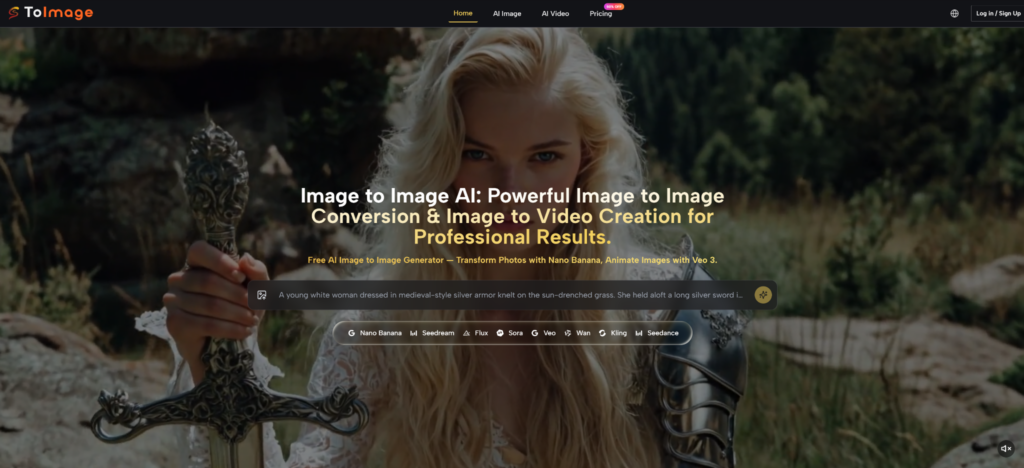
The platform's core identity is stated plainly in its product structure: AI Image and AI Video, with image to image conversion as the entry point for both tracks. That's an editorial choice that shapes the entire experience, and it's worth understanding what it means in practice before evaluating individual models.
What Image to Image Actually Does Differently
The distinction between text-to-image and image-to-image generation is meaningful and often undersold. In text-to-image, a prompt is the only creative input. The model interprets language and generates a composition from scratch, which means every decision about framing, perspective, subject positioning, and structural weight comes from the model's training interpretation of your words. In image to image, a source photo provides a structural foundation. The model works within — or against — that foundation, depending on how far you push the transformation parameters through your prompt.
The practical effect is significant. A creator trying to maintain subject consistency across a series of marketing images — same product, same character, same spatial logic — cannot rely on text-to-image alone without enormous prompt engineering overhead. Image to image reduces that overhead by anchoring the generation to a known visual reference. The output isn't guaranteed to be identical, but the structural starting point is shared.
Nano Banana on the platform takes this a step further by accepting up to four reference images simultaneously. The ability to feed multiple reference angles or prior outputs into a single generation request is what character consistency at production scale actually requires. One reference produces one interpretation; four references create a reference field that guides the model toward convergence.
Starting an Image to Image Session on the Platform
Step 1: Upload Your Source Image or Images
The Reference Image Defines the Creative Envelope
The first interaction is an image upload. For most image to image workflows, this is the source photo — the material you're transforming rather than generating from scratch. Nano Banana and Nano Banana 2 both support multi-image input, accepting up to four reference images when consistency across a subject or style is the goal. There's no preprocessing requirement; the platform accepts standard image formats and routes the input to the selected model directly.
The decision of how many reference images to use is a creative one, not a platform limitation. A single reference gives the model interpretive latitude — useful when you want significant stylistic departure while preserving the general composition. Multiple references constrain interpretation toward the shared elements across those references — useful when character fidelity or brand visual consistency matters more than creative variation.
Step 2: Write a Transformation Prompt and Select Your Model
Prompt Direction and Model Choice Work Together
The prompt here functions differently than in text-to-image generation. You're not describing a composition from scratch; you're describing a transformation of what already exists. Prompts that describe the destination rather than the source tend to produce cleaner results — specifying the target lighting quality, color palette, mood, artistic style, and material texture rather than re-describing the subject the model can already see in the reference image.
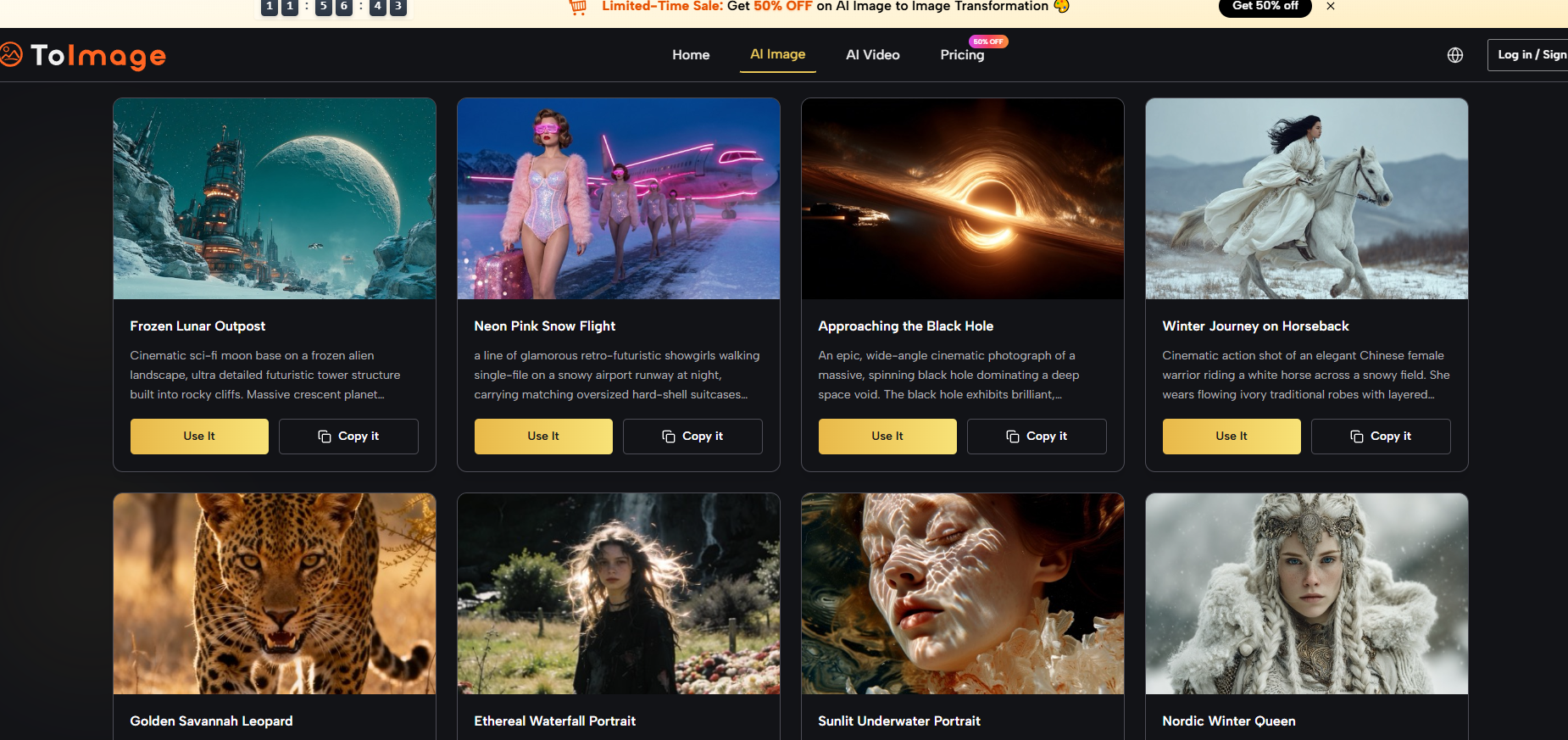
Model selection happens at this stage. The platform presents all image and video models in the same interface. For image to image work specifically, Nano Banana handles hyper-realistic transformation with reference fidelity as the priority. Nano Banana 2 adds multi-resolution output control — 1K, 2K, or 4K — with batch generation of up to four images per request, making it suited for workflows that need resolution-conscious output from the start. Flux Kontext handles a different category: context-aware editing where you want to change a specific element within an image — a text label, a background object, a material surface — without altering what surrounds it.
Choosing between these isn't about which is better in the abstract; it's about which transformation type the current task requires.
Four Image to Image Scenarios Worth Examining Closely
Scenario One: Style Transfer Across a Product Line
The task: take a set of product photos shot against a neutral background and transform them into visuals with a defined lifestyle aesthetic — warm ambient lighting, natural material textures, a specific color temperature associated with the brand.
Nano Banana's image to image capability handles this category well when the prompt describes the target visual environment with enough specificity. Lighting direction, shadow quality, color temperature, and environmental context are all variables the model responds to. In practice, simpler product geometries — flat surfaces, clear silhouettes — convert more cleanly than products with complex transparency or reflective surfaces, where the model's interpretation of light interaction can introduce artifacts.
The commercial rights clause matters here: the platform grants full commercial usage rights for all generated content, which means transformed product images can move directly into marketing materials without additional licensing steps.
Scenario Two: Character Consistency Across a Content Series
The task: maintain a consistent character or persona across multiple generated images for a campaign, social content series, or illustrated narrative.
This is where the multi-reference image input of Nano Banana becomes operationally relevant. Feeding in three or four prior outputs from the same character — different poses or expressions that have already been approved — gives the model a convergence target that a single reference can't provide. From a practical standpoint, in my testing, character consistency improves meaningfully with more reference inputs, particularly for facial feature stability. Complex elements — unusual clothing details, specific accessory designs, intricate hairstyles — showed more variance than fundamental facial structure, which is consistent with how reference-based diffusion models generally behave.
Scenario Three: In-Image Editing with Flux Kontext
The task: modify specific text within a marketing image — a storefront sign, a product label, a headline overlay — without regenerating the entire composition.
Image to Image AI includes Flux Kontext Pro and Flux Kontext Max as part of its image model lineup, which covers a type of editing that generative models typically cannot perform reliably: targeted object-level or text-level intervention within an existing image while preserving context. The platform describes this as "surgical precision" — the ability to modify one element while surrounding composition, lighting, and style remain stable.
In practice, Flux Kontext handles contained, clearly bounded editing targets better than diffuse or large-area changes. A single line of text on a sign, one product label in a scene, or a defined background object are more predictable than large-region changes that require the model to fill significant compositional space while matching existing style.
Scenario Four: Transitioning from Image to Image Into Video
The task: take a final approved image — the output of an image to image transformation workflow — and animate it into a short video clip with motion and audio.
The platform's architecture supports this as a continuous workflow rather than a separate process. Once an image to image output reaches a quality level worth animating, the same interface accommodates Veo 3 and its alternatives for the video step. Veo 3 generates native audio — dialogue, ambient sound, sound effects — synchronized to the video output without a separate audio production pass. For short-form social content where video with audio is the final deliverable, this represents a meaningful workflow compression: image transformation and video animation happen in the same platform, with the same credit system.
Image to Image Model Comparison by Transformation Type
|
Transformation Type |
Best Model |
Reference Input |
Key Strength |
Watch Out For |
|
Style transfer, full image |
Nano Banana |
Up to 4 images |
Subject preservation, style reach |
Reflective surface artifacts |
|
High-res production output |
Nano Banana 2 |
Up to 4 images |
4K output, batch of 4 |
Higher credit cost at max resolution |
|
High-volume style exploration |
Seedream 4.0 |
Standard |
Speed, iteration throughput |
Lower ceiling on style precision |
|
Targeted element editing |
Flux Kontext Pro/Max |
Existing image |
Object-level surgical edits |
Large-area changes show variance |
|
Image to video with audio |
Veo 3 |
Source image |
Native audio sync |
Highest credit consumption |
Where Image to Image Still Has Honest Limitations
Image to image on any platform, including this one, does not eliminate the core variability of generative models. Running the same source image with the same prompt and the same model twice will produce different outputs. This is not a platform issue; it's a fundamental property of diffusion-based generation. For workflows requiring pixel-level reproducibility — technical illustrations, architectural renderings with specific dimensions — AI image to image is not the right tool regardless of platform quality.
Prompt quality also interacts with source image complexity in ways that compound. A simple source image with a specific, well-structured prompt produces tight, predictable image to image results. A complex source image — many subjects, layered backgrounds, intricate foreground detail — combined with an underspecified prompt produces high variance. Experienced image to image users invest in prompt structure before the generation, not after.
Credit consumption during iteration is the practical constraint at Starter and Pro tier. On the Pro plan at $25 per month (annual billing), 32,000 credits give roughly 1,777 Nano Banana image generations at plan pricing, but Veo 3 video generations consume 10,060 credits each — shifting the math significantly if image to video work is part of the session. The Unlimited plan at $75 per month removes this constraint for teams at production volume.
Who Image to Image on This Platform Suits Best
The platform's image to image capabilities make most practical sense for creators who already understand what image to image is supposed to do — and want a model lineup broad enough to match different transformation types to different tasks without switching platforms.
Style transfer at volume, character consistency for serialized content, surgical element editing, and image-to-video pipeline work are four meaningfully distinct task types. The platform houses purpose-built models for each. For creators running one or two of those task types occasionally, the free tier and Starter plan cover entry-level access. For those running all four as regular workflow components, the Unlimited plan's removal of credit ceilings changes the creative calculus from constraint management to creative focus.