Want to make your business instantly grab customers’ attention?
Then you need to have a memorable logo. Traditionally, creating a logo is a long and sometimes rather tedious process. But in 2026, we can create one using different AI generators that help to save time and money.
Interestingly, while using these tools, we can even edit the logos, alter all the possible details and design elements to reach the exact result that we are aiming for.
Want to create a logo easily? Then keep reading this guide that will help you learn more about top logo makers and their main benefits.
How to Choose a Logo Generator
While writing this guide, we tried to focus on the following points to choose the best logo makers for any business.
- Choose a tool that has templates that will inspire you and help you create.
- Make sure that the tool has customization options so you can easily work on the logo till you achieve the desired outcome.
- Choose a tool that is easy to use, especially if you do not have any design background.
- Ensure you can download scalable files and use them on social media platforms.
These are some of the core factors that we considered while making this guide. And now it’s the right time to get acquainted with the tools.
Overview Chart
|
Logo Maker |
Key Highlights |
AI-Integration |
Brand Kit |
Best For |
|
Krea.ai |
You can upload your logo and transform it using a prompt |
Prompt-to-logo concepts and real-time canvas |
Visual guidelines, generate product images, upscale images, AI video generation, etc |
Startups, small business owners, marketing agencies, anyone looking for a quick logo design |
|
Logo.com |
Customize your logo until you get the result you like |
Helps to generate custom logos and build color palettes |
Social media kits, website builder, slogan generator |
Small business owners, startups, and entrepreneurs |
|
Logomakerr.ai
|
Quick logo generation |
Pairs design elements on the chosen logo |
Business cards, social media kits, background removal |
Startup founders, small business owners, freelancers |
|
DesignEvo |
Customizable templates available |
AI helps with style suggestions and icon search |
Icon and graphic editing, social media posts |
Beginners, small business owners |
Top 4 Logo Makers Reviewed
Krea.ai
Krea.ai is a creative suite that can be used for logo generation using simple prompts and provides style control.
- Prompt-to-Logo: You can provide a simple description of the logo you want, and the tool will provide the logos in minutes.
- ImageNode: You can upload the logo you already have and use AI to make it more interesting, modern, or match your existing style.
- Control: You can adjust styles and parameters, change the composition to change different logo elements, and find one you prefer the most.
- Logos Ready to Export: Generate high-resolution logos that are ready to be used on your social media and for print.
- Adjust the Logo: You can fine-tune and change the logo’s visuals to achieve the exact style and design you aim for.
Ease of Use
Krea AI’s logo generator is very easy to use and provides a user-friendly and browser-based interface. The tool does not require any advanced design skills and is suitable for anyone regardless of experience and background.
Logo.com
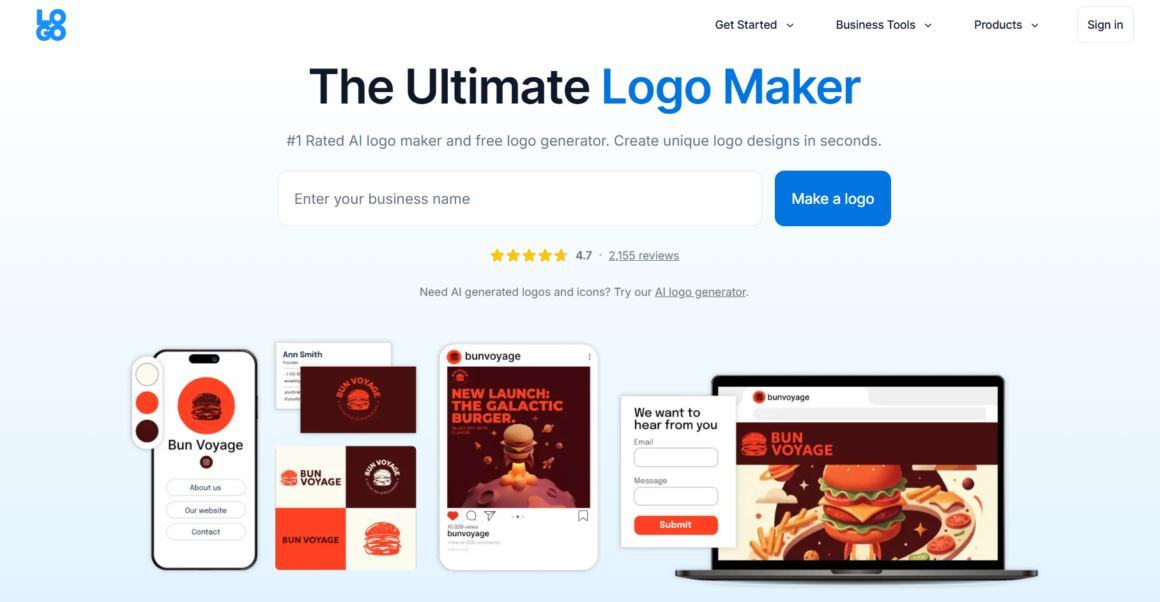
Logo.com is another AI-powered logo generator helping to create easy, custom logos with your preferred style and coloring.
What does the logo maker offer
- Customization: While using Logo.com, you can pick your favorite style and design type, change the colors, icons, layouts, and edit as much as you want till you get the logo you want.
- Templates: There are 1200 branded templates for different styles and fields.
- Commercial Rights: You can freely use your logo for advertising, packaging, products, etc.
- Files: You can download your high-resolution logo in PNG, JPG, PDF, and SVG files.
Ease of Use
Logo.com is an easy-to-use platform. Even if you do not have any experience in design, all you have to do is choose the logo style and details you prefer, and your edits will be visible on the logo.
Logomakerr.ai
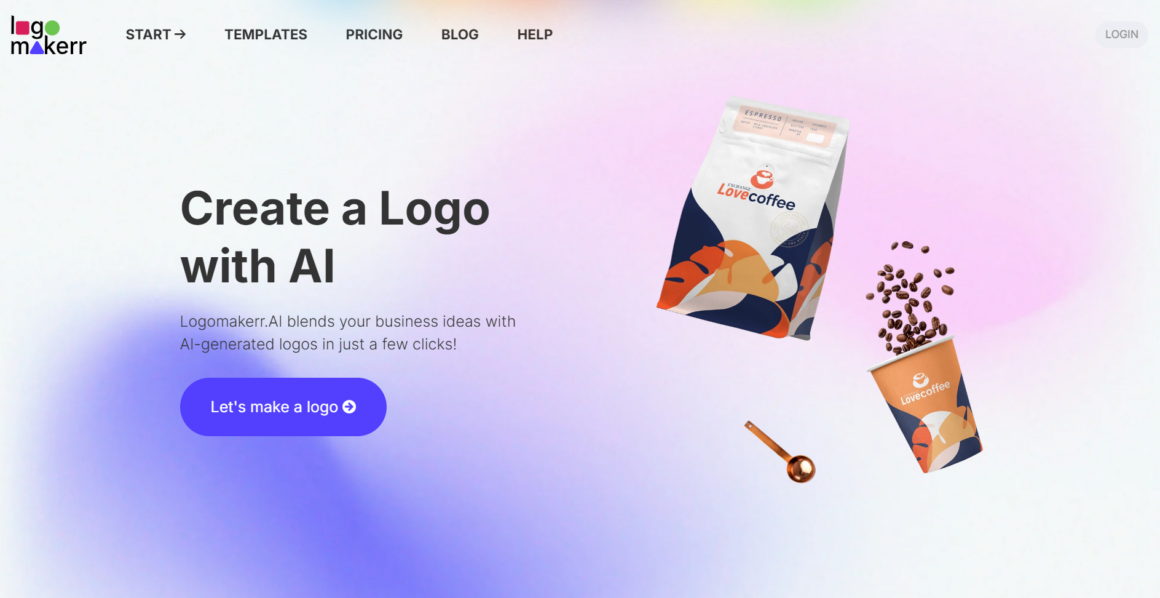
Logomakerr.ai is an AI logo generator helping you create professional designs easily and without putting much effort.
What does the logo maker offer
- Templates Available: There are hundreds of templates available on the tool, which you can use to get inspired and build your visual aesthetics.
- Customizable: You can change the fonts, colors, icons, and layouts to make your logo look the way you want.
- Designer Fix: There is a special in-house designer fix on LogoMakerr helping to fine-tune your designs in case you have any difficulties.
- Mockups: You can preview how the logo looks on merchandise before finalizing.
Ease of Use
The tool allows you to generate logos with just a few clicks without needing any specific design experience.
DesignEvo
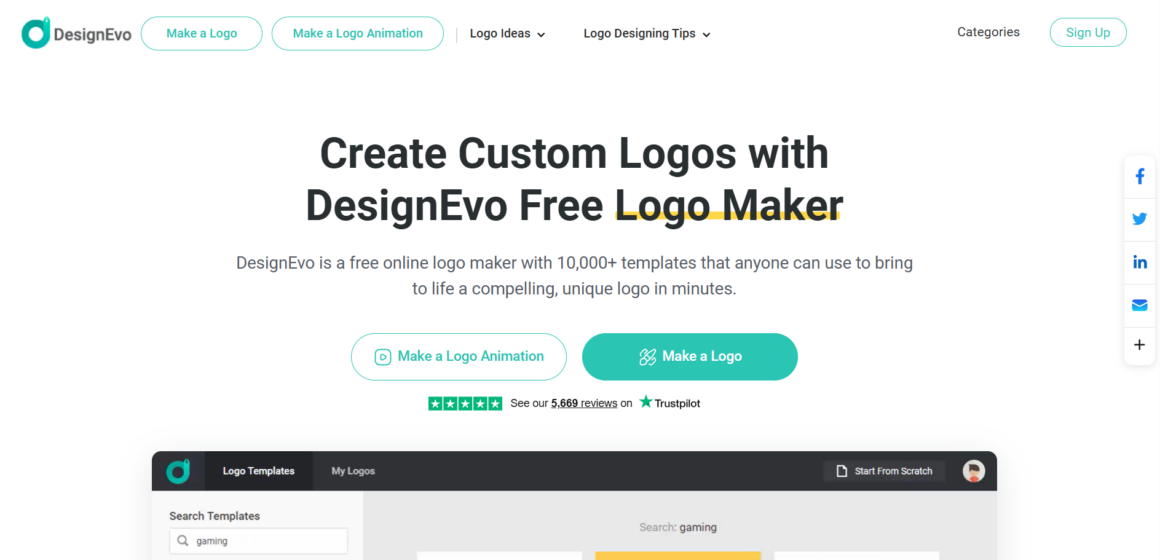
DesignEvo is another user-friendly logo generator that helps to create interesting logo designs in a short amount of time.
What does the logo maker offer
- Templates: There are 10K templates available, helping you create a design that matches your objective.
- Edit the Design: You can use the drag-and-drop editor to change the colors, fonts, and add custom shapes.
- Files: Download your logo in high-resolution SVG and PDF files.
Ease of Use
You can create a logo in five minutes with just a few clicks, with the help of the intuitive interface that suits anyone without any design experience.
The Bottomline
As a result, logo-making has become easy with the help of different modern AI tools. They help to save time and create the logo you like in just a few clicks.
You can also change the style of the logo, add any details you want, or edit the visual elements to match your overall brand aesthetics.
Now it’s your turn! Choose the logo maker you like the most and start creating your design and experimenting with different styles.